

Make Your Life Easier With 16 Clever Uses For Smart Buttons Around Your Home
We may receive a commission on purchases made from links.
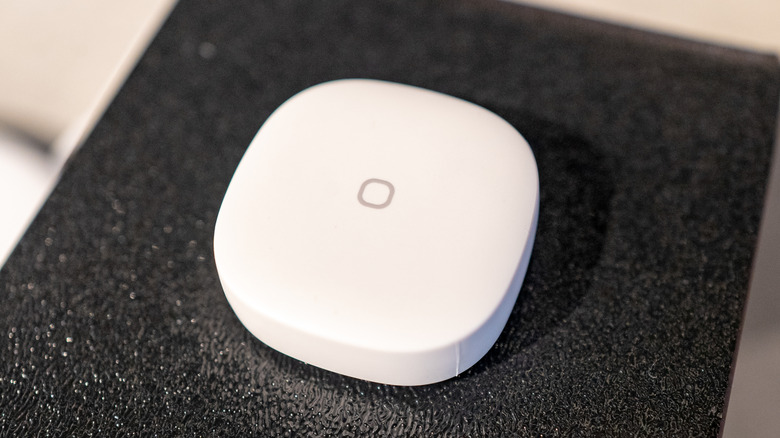
Smart home technology is constantly advancing, giving us all more ways to make our daily lives easier. Whether you're protecting your home with smart sensors or choosing the best smart thermostats for your household, smart home devices can help you automate all your routine tasks. One of the best ways to integrate your new home technology is with the use of smart buttons. With just one push, smart buttons can help you manage all sorts of smart tasks — such as controlling your lights, adjusting the temperature of your home, or even starting your appliances remotely.
We've compiled a list of a few clever ideas that you should definitely consider using your smart buttons for. Keep in mind that the real superpower of the smart button is to control "scenes," which is a term that describes a full series of actions you program your smart button to do. For example, a bedtime scene could include dimming the lights, closing the curtains, and adjusting the temperature — all with just one button push. You can then combine several scenes and cycle through your perfect automated routine.
You can also incorporate many of these tasks by using a smart plug or smart presser. These smart devices will essentially convert non-smart appliances into smart ones. This way, you can choose to control your appliances via the plug or the physical button.
Adjust your lighting with a smart button
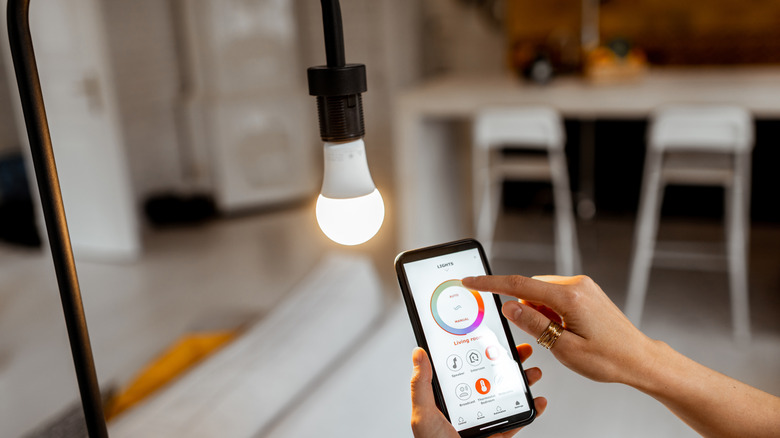
Integrating your lights with a smart button will open up so many different opportunities for your smart home scenes. With a smart button, you can control how dim or bright your lights are, turn them on and off, or even change the color of your lights, if your bulbs allow. Some smart buttons can be wired to individual bulbs, so that you have complete control over the configuration of your lights. Don't forget about your outdoor lights, too; smart outdoor lights are a good way to set up a gorgeous outdoor scene, which you can then integrate into any nighttime smart button routine.
Automate all the lamps in one room
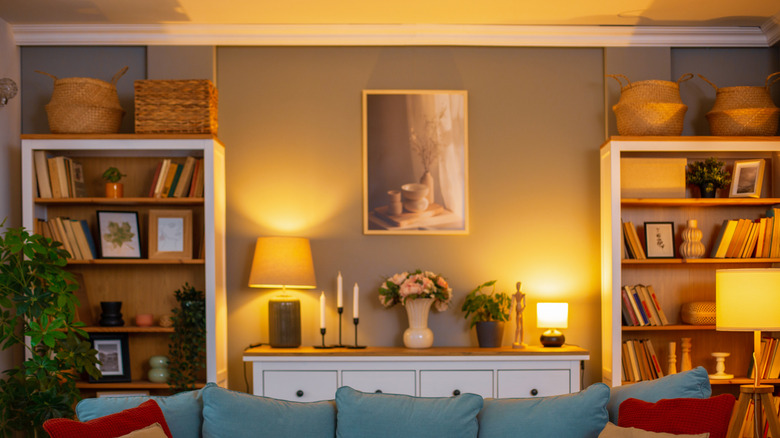
If you're tired of running around your home switching on all your lamps whenever you want ambient lighting, it's time to try a smart button. Connecting all your lamps in a room to a single smart button will allow you to switch from overhead glare to cozy mood lighting with ease. You can also control the color, warmth, and brightness of all your lamps at once with a smart button. Rather than simply turning the lights on, you can program your smart button to set them to your preferred color and dimness with one push, so you never need to worry about adjusting the lighting yourself.
You may want to try a wall-mounted switch or smart button to control your lamps, especially if the lights are all located in the same room. However, a smart button also offers you the option to control your lamps from anywhere in your house. For example, you could set up a bedroom smart button that controls a few lamps across your home; this way, you don't need to walk upstairs in total darkness, and you'll have a way to switch on some soft lighting before you leave your bedroom in the morning.
Open all your curtains with the push of a button
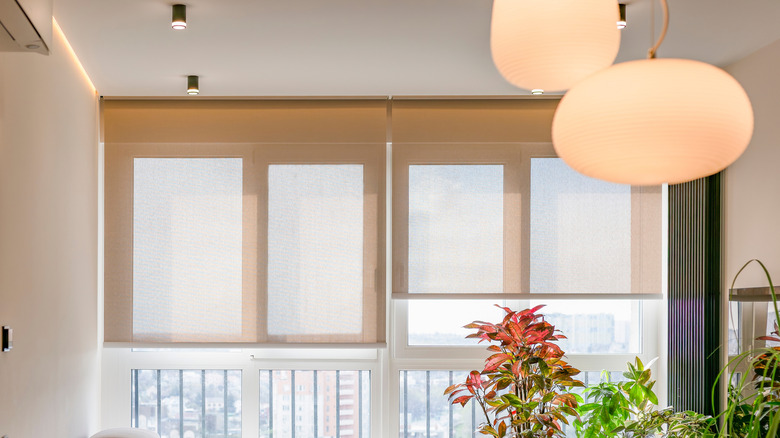
Automated curtains are a very convenient addition to your home, and you'll have even more control over them with the use of a smart button. Add your curtains to a morning scene to help you start your day with natural light, or use your smart button to cycle through a set of curtain lengths to enjoy sunlight in different rooms throughout the day. You can even add multiple smart buttons throughout your home to adjust different curtains with one tap; a wall-mounted living room smart button would be useful for closing your downstairs shades when you want to watch a movie, while your bedroom smart button might control every curtain in the house.
Start your coffee machine remotely
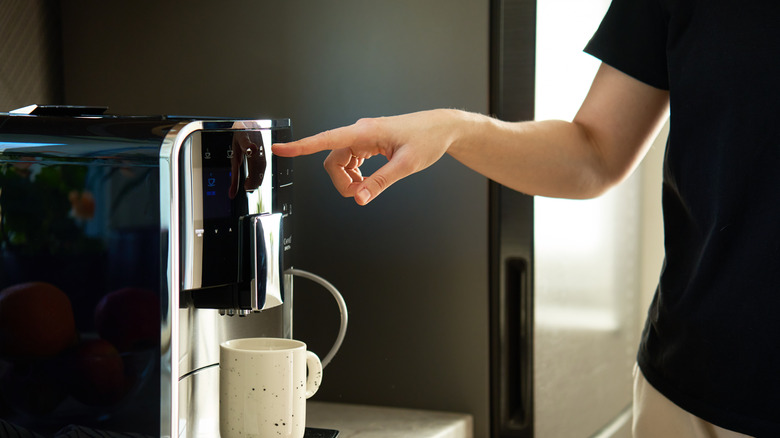
Writing your coffee machine into your smart button scene will make you feel like you have your own personal butler. Wake up, roll over, and push your wall-mounted smart button — by the time you get out of bed and walk downstairs, a fresh cup of coffee will be waiting for you. This is a brilliant addition to your morning scene if you're an avid coffee drinker — it'll save you a lot of time on busy weekdays.
You don't need a smart coffee machine to pull off this trick. If your coffee machine model has a switch on it, you can leave it turned on and hook it up to a smart plug, which will allow you to control it via your phone and connect it to a smart button. However, some coffee machine models do require you to push a button to turn them on or automatically turn themselves off after a short time; in this case, you may want to look into a smart presser (yes, it's a thing). The SwitchBot Smart Switch is one of the most highly recommended models available. You'll basically sit a small switch near your coffee machine's start button — when you push your smart button in the morning, it will trigger the smart switch to push down, starting your coffee machine.
Play music (or white noise)
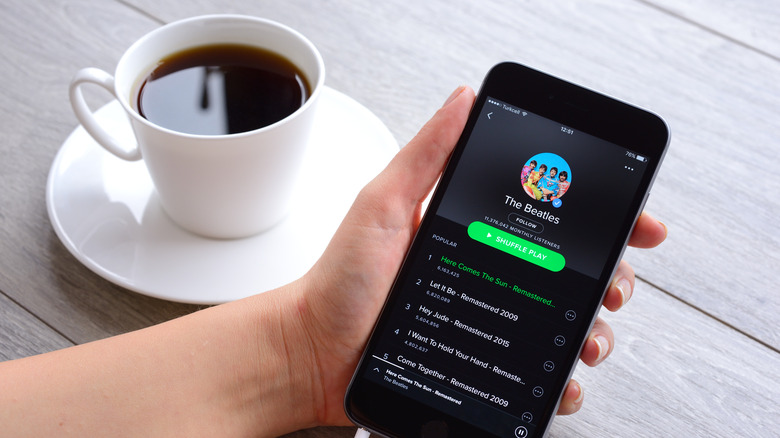
One of the easiest things to do with your smart button is program it to play music. Maybe you want to wake up to your favorite high-energy playlist in the morning, or turn on white noise at night without even looking at your phone. A smart button is also a fun way to add high-end effects to the rooms in your home; for example, you could mount a smart button in your fitness room that turns on your workout playlist.
An easy way to do this would be to use an Alexa-compatible smart button, so that you can start your playlist and play it through your speakers all at once. You can also find smart-compatible speakers that will allow you to connect them with a smart button. This makes it easier for you to choose a model based on the music app you use the most, such as Spotify. Depending on the smart home system you're using, it may come with a music player that you can use with your smart button.
Secure your home
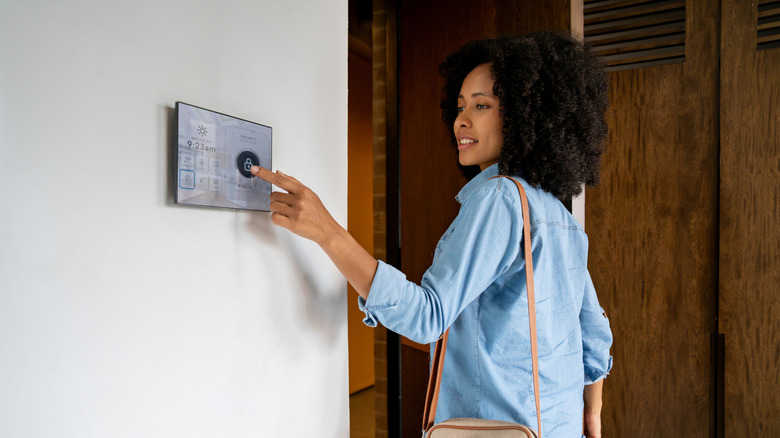
Smart buttons are good to attach to your home security system, so you can set up additional controls for it outside of the panels you already have. For example, you could mount a button near your bedside to arm your security system easily. You could even create a home security scene that arms your home, closes the curtains, and turns on your outdoor lights.
A smart button can also help you monitor your security cameras. As part of a scene, you may want to have your button start the recording function on your security cameras. If you're concerned about something going on outside, a smart button is a faster way to check it out (and secure your home in the process).
One thing to consider is that you may not want to have your smart button programmed to disarm your security system, as an intruder inside your home could silence an alarm this way. However, you could always consider a smart button with a locked keypad. At the very least, giving yourself the option to secure your home with one button is a good idea.
Lock and unlock your doors
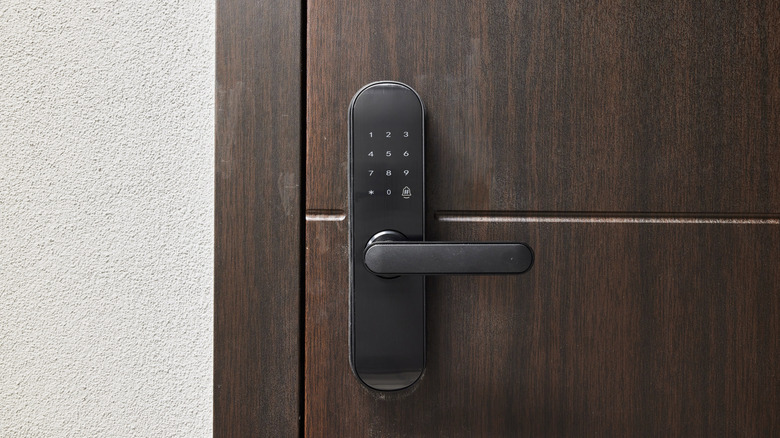
Adding a door locking and unlocking feature to your smart button is another good way to stay on top of your home security. Some smart button users like to have the feature written into their nighttime routine, so that they never forget to lock their doors. It's also nice to be able to control multiple doors at once with one button, rather than running around your house to check if everything is properly locked.
Many people ask themselves if a smart door lock is all that secure in the first place. Generally, the answer is yes, but with some caveats. It's important that you choose a smart home lock that is encrypted and create a secure home WiFi when you connect it to your smart button, so it's not easy to hack. You'll also need to stay on top of the batteries and software updates, so that it remains secure. But a smart door lock that is only unlocked using a smart button or your phone has its upsides compared with carrying around a key that could be lost or copied. Additionally, you can't pick a smart lock like you can a regular door. In the end, it's more likely that potential intruders will look for other ways to get into your home once they realize your door is locked; that's why it's important to have a home security system.
Set up a 'panic button' inside your house
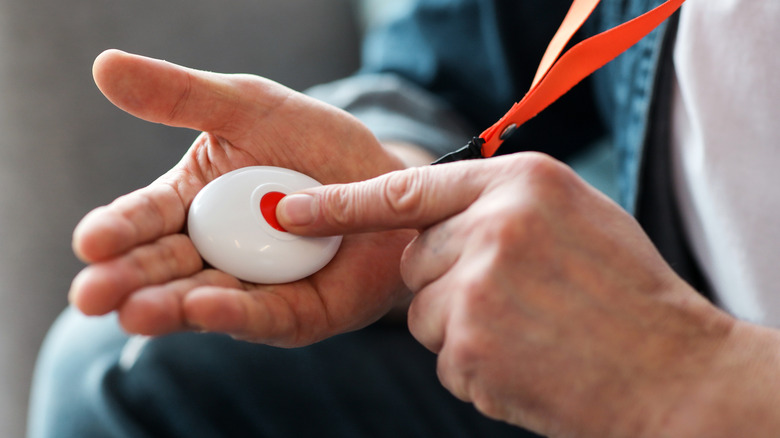
Add to your home's security system by turning your smart button into a customized panic button that you can rely on in the case of an emergency. There are lots of things that you can have your panic button do; you can program it to call emergency services, text or call certain contacts from your phone, set off your home alarm, or lock your doors. If you live alone, you can even set up a smart button that requires you to check in with it every so often; if you don't check in on a regular basis, you could have it notify your emergency contacts. You'll likely want to create a scene for your panic button, so that it can accomplish all of the things you might need during an emergency at once.
Change the temperature of your room
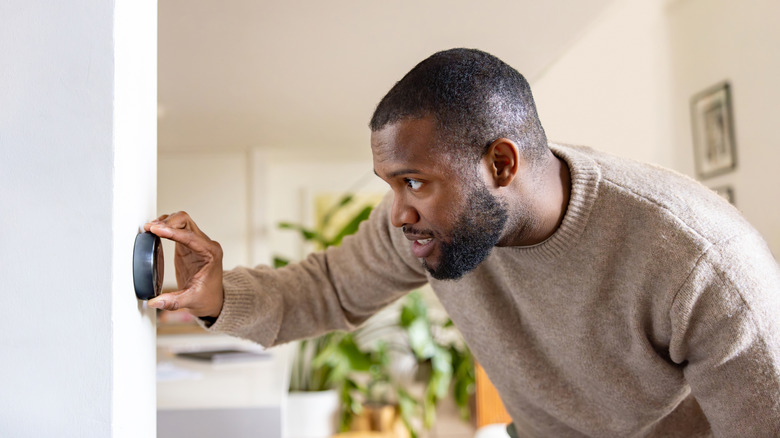
Allowing your smart button scene to control your home's temperature is a genius way to save on energy bills. Your smart button will likely be most helpful during the morning and evening; for example, you could program your button to warm up the whole house in the morning, and turn the temperature back down again once you're already nice and cozy in bed. A smart button offers you a little more flexibility than an automated thermostat, and there's no denying that it's nice to be able to adjust the temperature from anywhere in your house.
Open the garage door from anywhere
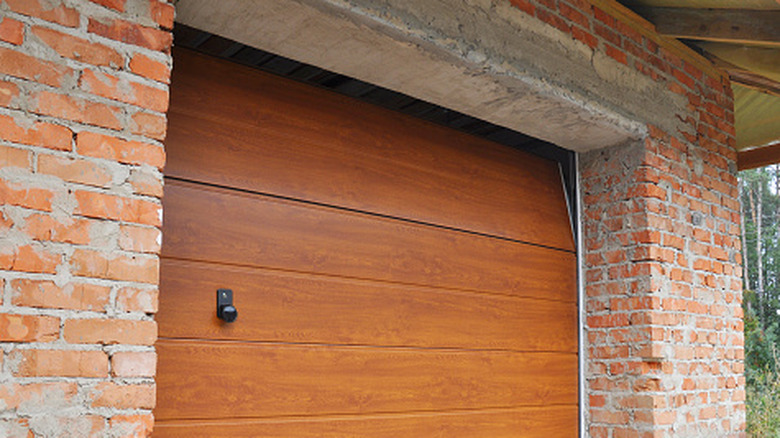
If you often find yourself in a rush on weekday mornings, than a garage door smart button might be useful for you. Some smart button users like to create a scene that helps them get out the door faster in the morning, such as arming their security system, opening their garage door, and even starting their car. As a bonus, a smart garage door opener gives you an extra layer of security; you can use it to monitor whenever the garage door is opened or closed, and can even receive alerts if the door is left open.
Start your smart appliances
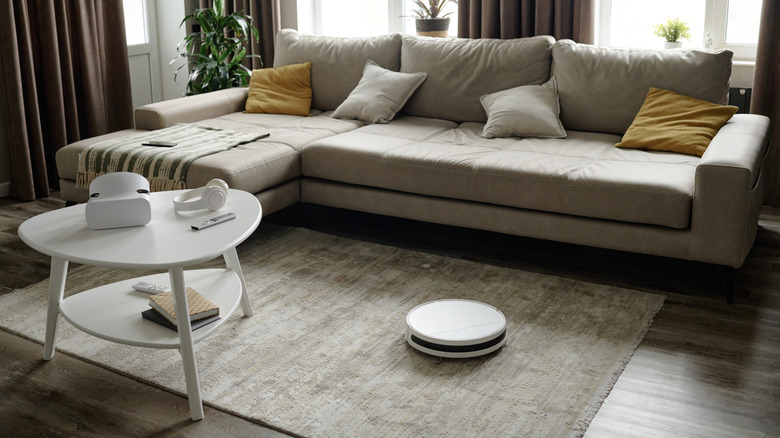
Connect your smart appliances to a smart button, and you can set up an entire cleaning scene that requires no work at all. Many users have had success connecting their smart buttons to their robot vacuums, so you can start a specific cleaning routine from an entirely different room. There's no limit to the appliances you can connect to your smart button — you could even add a button for starting a dishwasher or laundry cycle from a different room, too. If you have a smart shower head, you can even start warming up the water from outside the bathroom. Some smart button fans have even managed to connect their hot tubs to their indoor smart buttons.
Set up a humidifier routine
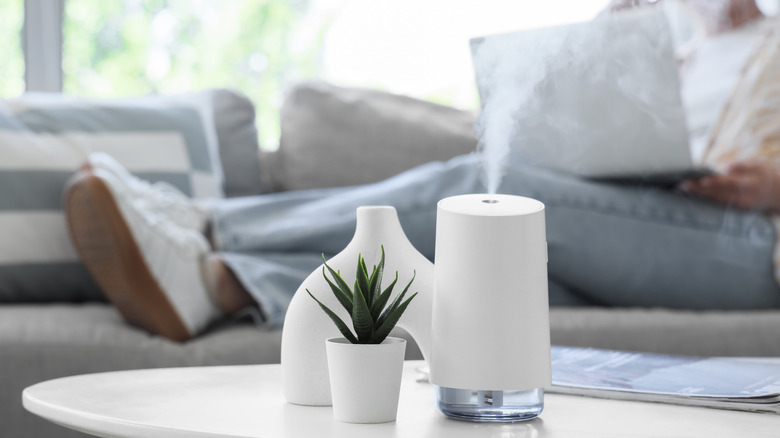
Much like adjusting the temperature of your home, a smart button is a good way to control multiple humidifiers at once. You can add connections to devices like air purifiers, diffusers, and even air quality monitors, too. Attach them to a scene to create a home air routine, or just connect all your air quality technology to one smart button so that you can turn them off, on, and adjust them cohesively. Besides the smart button itself, integrating your humidifier and air quality devices into your smart home allows you to set up automation across your entire home. This way, when the humidity drops below a certain level, your humidifiers will automatically turn on.
Control your fans without getting up
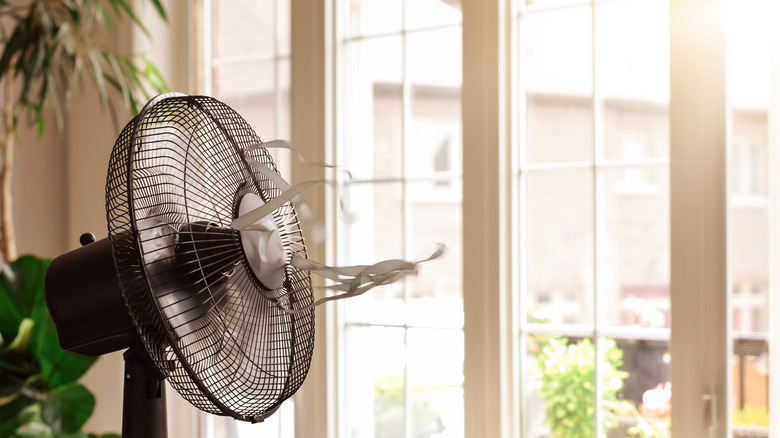
Besides temperature control, many people use electric or ceiling fans to create white noise, especially at night. Some people say it's helpful for them to set up multiple fans while they sleep — if that's the case for you, then attaching all of your fans to one smart button might be a great idea. With a smart button, you can control when your fans turn on and off, along with the speed they're at. You might want to integrate your fans into your morning and nighttime routine. During high temperatures, you could even pair them with your home thermostat, so that your smart system turns them on when your home gets too hot. A smart plug will likely be the best (and cheapest) solution for your electric fans. Your ceiling fans can be integrated with a smart wall switch.
Control your devices with the push of a button
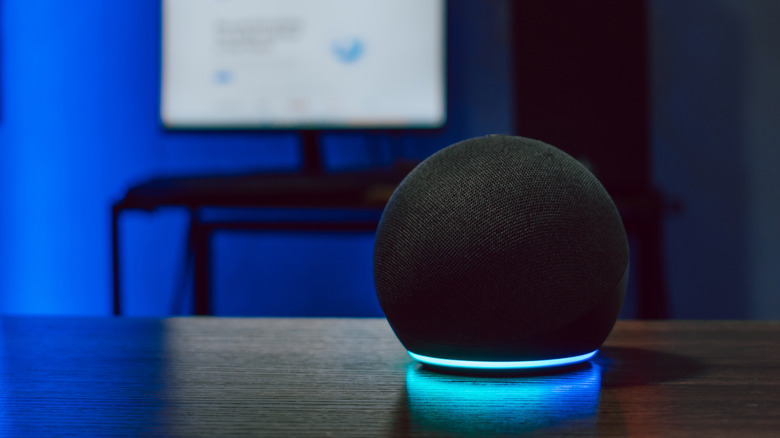
Some home devices, such as Alexa, will allow you to control them using a smart button. This means you could integrate settings such as "do not disturb" into your home routine — a useful addition to any nighttime or wake-up scene. Your smart assistant of choice may also have routines that it can execute, which can also be connected to a smart button. Try having your smart home speaker read you the weather in the morning, or create a routine that has your voice assistant read you your text messages or give you your daily schedule.
Set up notification systems for yourself
Did you know that you can set your smart button up so that it follows a scene if you don't push it? That's right — you can program your smart button to notify you if you don't "check in" by pushing it at a certain time. Let's say you have medications you need to take at a certain time each day. Set up a smart button by your medicine cabinet; if you haven't pushed it by a certain time, then have it send you a text reminder to take your medication. A notification system is useful for all sorts of important home tasks, such as upcoming events or home maintenance chores. It's also handy for managing your entire household at once; if you want to track whether someone in your family has already walked the dog or fed the cat, a smart button will do the trick.
Change the TV station from afar
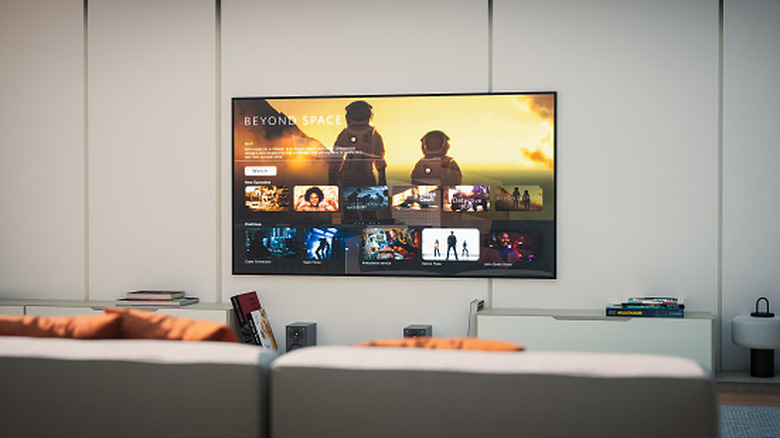
It's a lot of fun to add a simple TV smart button to your home in addition to your remote. Unlike a handheld remote, you'll never lose a wall-mounted smart button, which can control basic functions like on/off, volume, and channel. If you have an open floor plan, a smart button is also great for mounting far away from the TV, so you can control it without taking the remote into another room. This is yet another opportunity for setting up a scene; a "movie night" routine could have your smart button turn on the TV, pull up streaming, dim the lights, and close the curtains so you're ready to watch.