

The Thermostat Setting You Should Be Using For Wonky Weather In Spring
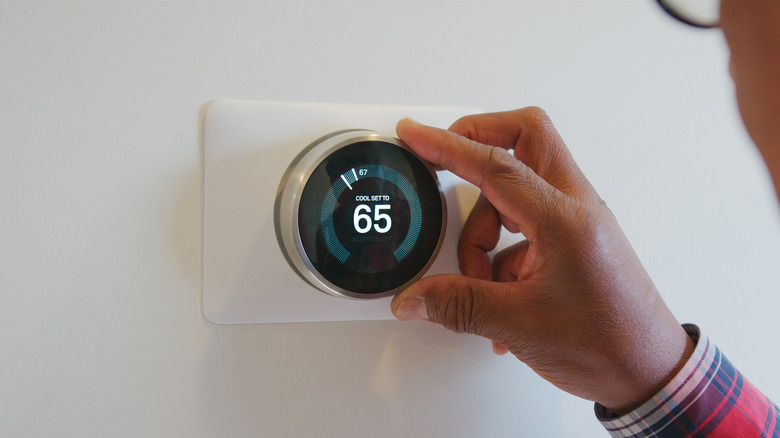
Spring is the time of year where, depending on where you live, you could be wearing a sweater and jeans in the morning and, by the afternoon, shorts and a tank top. The only downside for many of us is the extreme fluctuation in temperatures, which has us flipping our thermostat from heat to cool and back to heat, sometimes within the same day. It's not only hard on you — it can be hard on your home as well, even potentially leading to costly HVAC system repairs. There is a way to remedy the discomfort caused by the indecisiveness of mother nature, and that's to set your thermostat system setting to auto. With your HVAC system set to auto, it will turn heat on at the lowest temperature you set and will turn on the AC at the maximum temperature you set.
Some homeowners automatically set their thermostat to auto mode at the first sign of spring, but many of us aren't even aware of what the setting is used for. Not to be confused with the auto fan setting on your thermostat, which only turns on the fan when the temperature drops or reaches a temperature you program while you are using the AC or heating function, the auto system setting switches between the heating function or the AC function automatically with the minimum and maximum temperature you set. This setting keeps you from having to frequently adjust the thermostat manually throughout the day. There are many benefits to remembering to turn the auto system setting (sometimes called auto changeover mode) on when springtime temperatures have you about to lose your mind. Now, if you could only automate changing your air filter!
Why the auto mode on your thermostat is the smart choice for spring
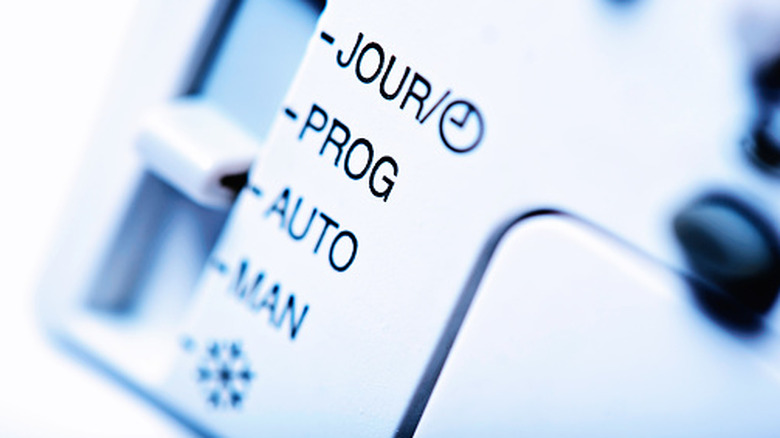
Learning how to use the settings on your thermostat, especially the auto system setting, will not only save you from experiencing extreme temperature fluctuations in the spring, but it can also save you money and prevent wear and tear on your HVAC system. It's always a good idea to read the manual that came with your thermostat to learn how to use this setting properly. Typically, you would use the function in the spring and fall when temperatures outside fluctuate dramatically. Depending on what type of thermostat you have, setting the system auto feature is usually as simple as pressing the system setting button, pressing auto, and then programming in your minimum and maximum temperatures. Some more modern thermostats have this function already built into the main control knob.
For the most efficient and comfortable temperature in your home you need to set what is referred to as a deadband. The deadband is the few degrees between the lowest temperature before the heat comes on and the highest temperature where the AC is triggered to come on. It is best to make sure there is at least a 3 to 5 degree difference between the two temperatures, or your system will cycle too much, causing unneeded wear on your HVAC. Depending on what temperature you are comfortable at and how wild the temperature fluctuations are in your area will help you figure out what deadband works best for you. For the best savings, set your thermostat's heat at around 68 to 70 degrees Fahrenheit; for cooling to kick in, it's best to set it to the mid to upper 70s.