

Can Your Neighbor's Wi-Fi Interfere With Yours?

Fast Wi-Fi is essential in today's always-online age, when everything from our phones and computers to our home's smart devices, is connected to the internet. Many things can influence the speed and signal strength of a home's Wi-Fi, regardless of how much bandwidth you're paying for. One important factor affecting wireless connectivity speeds is the strength and position of your Wi-Fi router. Yet, can your neighbor's wireless router also affect the strength of your Wi-Fi? The short answer is, "Yes."
Yes, your neighbor's Wi-Fi can interfere with your network signal strength. That's because Wi-Fi routers transmit data over certain pre-set "bands," or frequencies. If multiple devices transmit data over these frequencies in one area, it can create network congestion — just like too many cars on the road can lead to traffic congestion. The good news is, though, that there are a few ways you can avoid (or at least mitigate) this problem and help your Wi-Fi router work more efficiently.
Why your neighbor's router can slow your Wi-Fi down
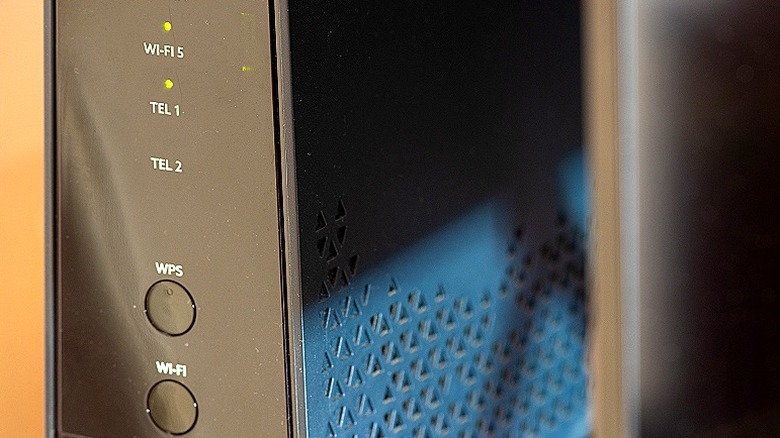
The purpose of a Wi-Fi, or wireless, router is simple: to convert the data from your cabled internet connection into a wireless signal. The router transmits this signal on a certain frequency, just like a radio. Almost all routers today use the 2.4 GHz and 5 GHz radio bands to transmit data. That means if several Wi-Fi routers are sending data on these frequencies in the same area, their transmissions can "compete" with one another, causing network congestion.
A router's Wi-Fi signal doesn't stop at a designated area; it's designed to transmit as far as it can, including through walls and other obstacles. Modern high-speed routers are very capable at this. That makes network congestion especially likely in apartments or townhomes where there is little to no space between the homes. The narrower 2.4 GHz band, which is used for everyday things like web browsing, is especially susceptible to this because it can access only one of 11 channels.
The wider 5 GHz band is typically reserved for higher-bandwidth activities, such as streaming and online gaming and has access to 25 channels. Unlike the 2.4 GHz band, which can only transmit on one channel at a time, the 5 GHz band can transmit across multiple channels — i.e., the channels are non-overlapping.
It, therefore, delivers a stronger Wi-Fi signal and is less likely to suffer from congestion. That said, network slowdowns can still occur on the 5 GHz band if multiple people (including your neighbors) are using it for high-data activities simultaneously. (See what a good internet speed is for homes.)
How to keep your Wi-Fi network free of congestion
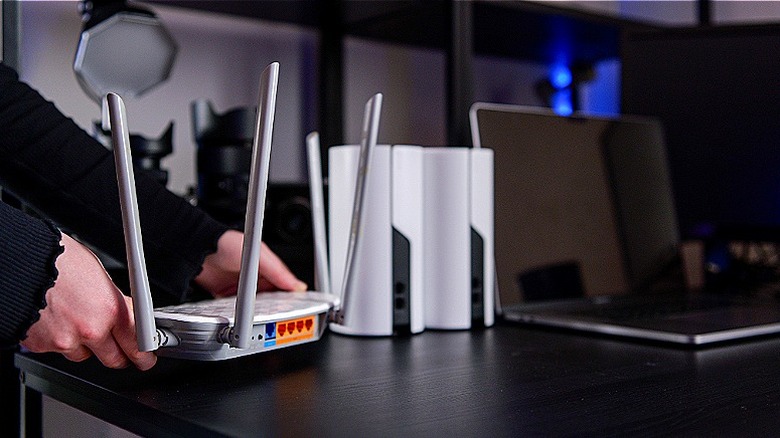
One of the most important factors if you're trying to get stronger Wi-Fi at home is router location. If possible, place your router away from any walls or corners that are shared with or close to your neighbor's residence. A central location in your home is ideal.
Admittedly, your options here may be limited depending on where the wired internet connection comes into your home. But if you have the flexibility, move your router to where it's less likely to encounter Wi-Fi traffic from others. If that's not a possibility, however, this aluminum foil hack for a weak Wi-Fi signal may work to direct your signal where you want it while shielding it from your neighbor's.
Another way to keep your router free of interference from your neighbor's Wi-Fi is to change its signal. Specifically, for 2.4 GHz, you can try changing it to a non-overlapping channel: 1, 6, or 11.
If your ISP allows it, access your router's software interface through a web browser or, if you have one, the router's companion mobile app, and then go to wireless settings. The browser interface URL and mobile app interface vary by make and model, so consult your wireless router's manual (or look for your router's documentation on the manufacturer's website) to find this information.