

Keyless Door Lock: How To Choose The Right One For You (And How To Install)
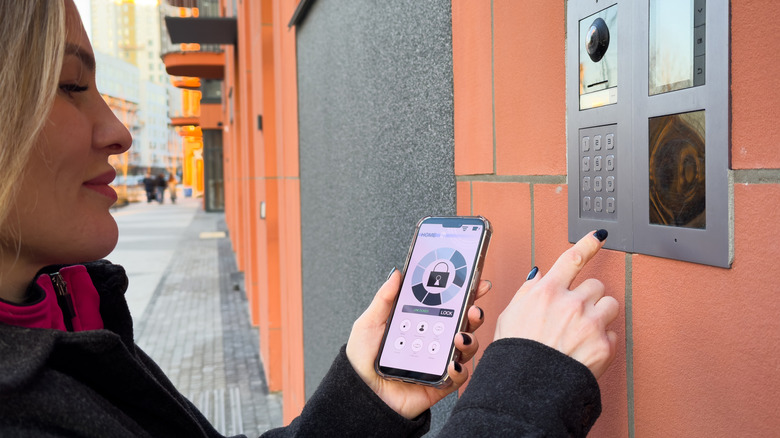
How often do you find yourself stranded outside your own home, searching frantically for keys in your pockets? Or maybe you have to grudgingly go all the way back to the parking lot every time you leave your keys in the car. If all this sounds way too familiar, don't worry: There is a way to remove such issues out of your life once and forever. With keyless door locks, you don't just get rid of the hassle of having keys with you all the time; you can also enjoy cool features like handing over digital keys to guests or monitoring activity at the door. With robust security features that add both convenience and peace of mind to life, keyless door locks are an absolute no-brainer for your house.
But how do you pick the right keyless lock for your home? There are plenty of types to choose from, from locks with fingerprint sensors, to those that work with numerical codes, Wi-Fi-integrated systems, and even locks that you can control with your smartphone. Like all things high-tech, you need to figure out what is best for your situation before replacing the locks on your door.
If you like keeping things rather simple but effective, keypad door locks are definitely the way to go. If you want to really buckle down on the security of your house, consider biometrics-enabled door locks. If you already have a smart home security system, you can easily integrate smart locks for a seamless experience. And the fun part is that installing these locks is a quick DIY. All you need to do is unscrew the old lock out, do some quick maneuvers to fix the new lock in place, and plug in the power to run the system.
Advantages of different types of keyless locks
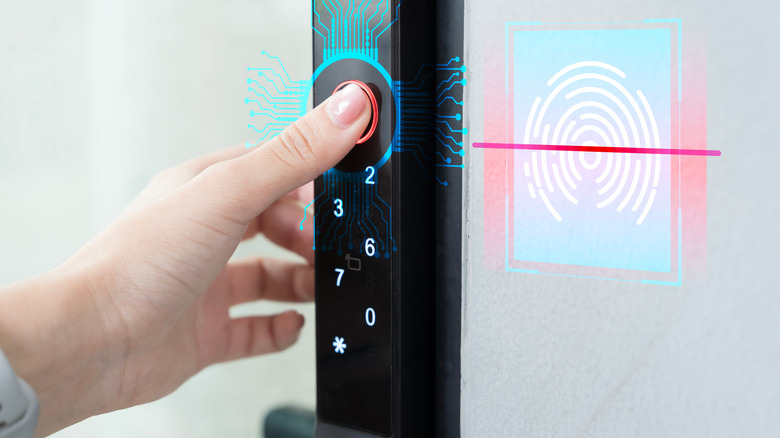
Different keyless lock types provide different features. The keypad door lock is popular for its affordability and straight-forward mechanism. Set up a code in the system, usually a 4-digit number, and dial it in anytime you want the door to open. Some versions provide one-time codes as well. For those a little more skeptical about whether keyless locks are actually secure, biometric locks are more complicated but far more robust. They work by identifying your fingerprint or using facial recognition or hand scanners. This ensures that, unless the person outside is really you, the door is not going to open. You can easily set up different biometrics for other members of your family as well.
Smart door locks, as the name suggests, are digital versions of your traditional door locks. They can connect with other devices like your smartphone, Alexa, or Google Assistant, either over Wi-Fi or a Bluetooth connection. This basically means that you can open the door from anywhere just by tapping on your phone. A lot of modern keyless entry systems also come with a combination of features. For instance, if you have a shaky Wi-Fi connection, a lot of smart locks have back-up systems like number pads to open as well. However, since a majority of these devices work on batteries, you do need to make sure that you're constantly replacing them. Once you're done choosing the best front door lock for you, installing the lock in the door is a fun DIY project that you can get done in less than an hour.
How to install keyless door locks the right way
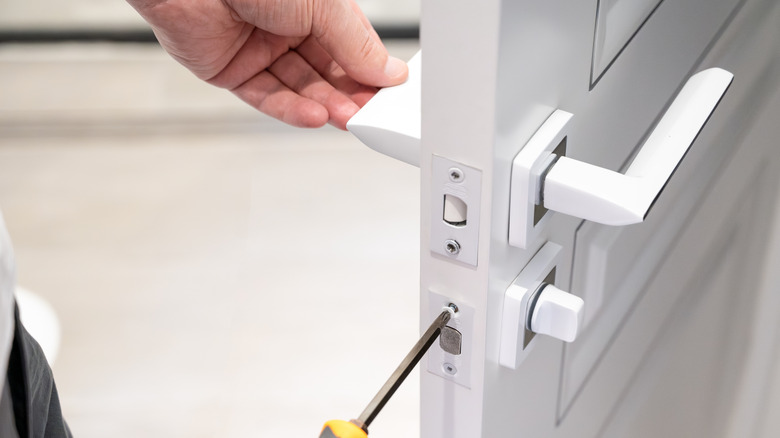
To begin the installation process, unscrew the bolts out of the current doorknob, and remove the deadbolt and strike plate from the door. Put the new locking mechanism inside the door. A couple of things to keep in mind here: Some deadbolts may have the word "Top" written on top to ensure correct installation, so that you don't insert it the other way round. Second, you should keep the slot of the deadbolt in the center of the hole in the door.
Next, you need to fix the new strike plate in the door frame. The new plate can be a little larger than the existing hole, especially if the manufacturer is different for the two locks. To fix this, simply trace the strike plate on the frame and chisel away any extra wood. This will make sure that the plate sits firmly in the frame and provides solid reinforcement for the locking mechanism to slide into.
Once you're done, all you need to do is install the outside panel in place, which offers the smart features (like keypad or fingerprint sensors). Put the keypad side on the outside, let the wiring run underneath the slot in the deadbolt, and screw the keypad into place. Fix the inner side of the panel, put any extra wiring inside the panel, and screw it in place as well. Insert batteries inside the case and place the cover on top. Enter the default code to test that the deadbolt works alright. Your new digital door lock is now ready to go. Keep in mind that instructions can be different depending on the lock. Read the device manual to make adjustments accordingly.