

14 Pro Tips To Navigate The IKEA Store Without Overspending
Maybe it's the Swedish meatballs or the sensory overload, but there's something about IKEA that can make you abandon your shopping list. Loading your shopping cart with everything from BILLY bookcases to HEAT cork trivets isn't always a bad thing — for example, there are plenty of clever DIYs for using IKEA cork trivets around the home. But when you're on a budget, you need a strategic plan to navigate the IKEA warehouse without giving into the impulse buys that the store so easily inspires. It starts with having a clear plan, knowing what savings programs IKEA offers, and learning how to physically navigate the store to avoid temptations.
If you feel like you constantly overspend at IKEA, it might not be your fault. The showrooms are designed in maze-like configurations that make you lose sense of where you are, while also making you think you might miss out on something. If you're an IKEA newbie, you may feel like you have to stick to the windy, confusing path, full of new treasures to discover. You also may be coming up against the IKEA effect theory, which essentially means you're more attached to — and more likely to spend money on — items you have a hand in creating. Learning a few IKEA navigation hacks makes it easier to stay on track and keep your bank account happier.
Use the IKEA Family program for special discounts and rewards
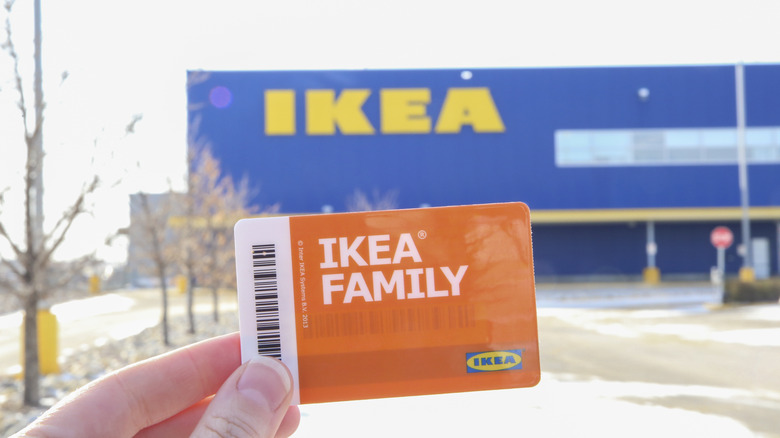
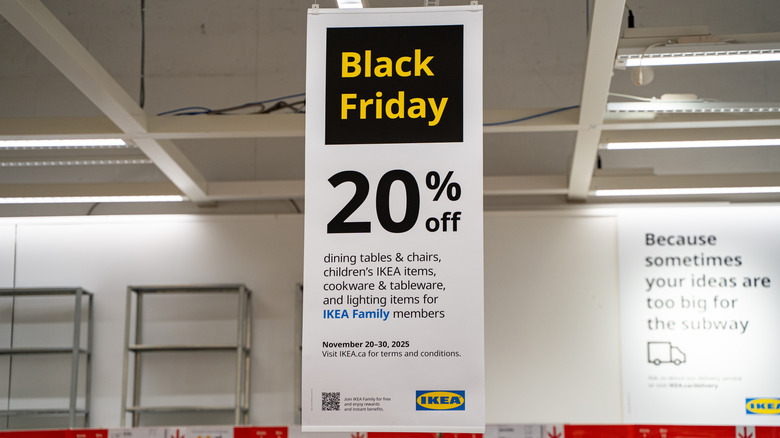
Joining IKEA Family is the trick you need to save more money every time you shop at IKEA. It's the Swedish retailer's free loyalty program, and it has many money-saving perks. You'll get the usuals, like birthday surprises, but the program includes extras, including a free hot drink with every visit and 30 minutes of extra play time for your kiddos at the supervised play area. Plus, you also need to be a member to access special discounts and sales, as well as price protection and discounts on shipping. And, members earn points for purchases to later deem for rewards, like discounts on future purchases, shipping costs, and IKEA meals.
To take advantage of the special discounts and rewards, sign up for the IKEA Family program online before you shop. Complete your profile (you'll earn reward points for that), and check out the other ways to earn extra reward points. Make sure you always scan your Family card when you shop in stores — a digital version is available if you have the app. And when shopping online, log into your account first to take advantage of the perks.
Monitor the prices on your recent purchases and ask for the price difference
You weighed the pros and cons of buying home decor from IKEA, and decided to take the plunge. Now, that thoughtfully planned purchase is available at a lower price. When you shop at IKEA, you can get the difference back within a certain time frame if the price drops. The general price-adjustment period is 14 days, but if you're a member of IKEA Family, you get a 90-day price guarantee. Either way, you need proof of your purchase, so keep your receipts. A digital receipt is available if you used your Family card at checkout, which makes it much easier to prove your purchase.
The trick here is noticing the price drop — you won't automatically get the difference refunded when the price lowers, so you'll have to keep an eye out by browsing the site occasionally. For higher-priced items that could drop in price significantly, consider setting reminders throughout the 90-day period to check for sales. If an item's price does drop, you'll need to go to the store to receive a refund of the difference if you purchased in person. If you bought the item online, contact the customer service line for your refund instead.
Head to As-is for items you want to buy
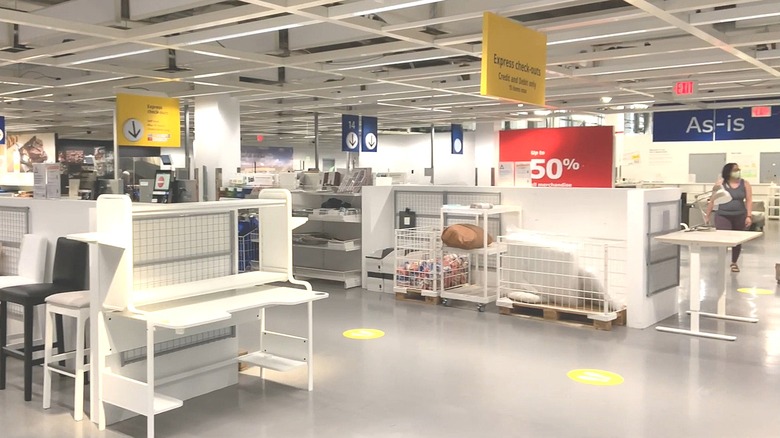
Always check the as-is section at IKEA to see if you can find one of the items you already want at a discount. Don't let the name fool you — the section isn't a bunch of damaged products. Some of the items are returns or gently used items from the Buyback program. But others are discontinued products and showroom displays. IKEA also inspects used products to make sure they're safe before putting them in this section. In many stores, the as-is section is near the checkouts. But you can also check the as-is selection for your favorite location online and reserve it for in-store pickup (if you're a Family member).
One of the best tips and tricks for finding the best deals in IKEA's as-is section is knowing when to go. Monday is often mentioned as the day when the section has new items. Some people find that Tuesday and Wednesday mornings are abundant — likely because of the returns the store receives on Monday. Going to the as-is section as early as possible, regardless of the day, also gives you the best chance of finding treasures. Once you're there, check the description tag — that's where you'll find details about the item's condition to make sure you're comfortable with the purchase.
Time your shopping to avoid busy periods

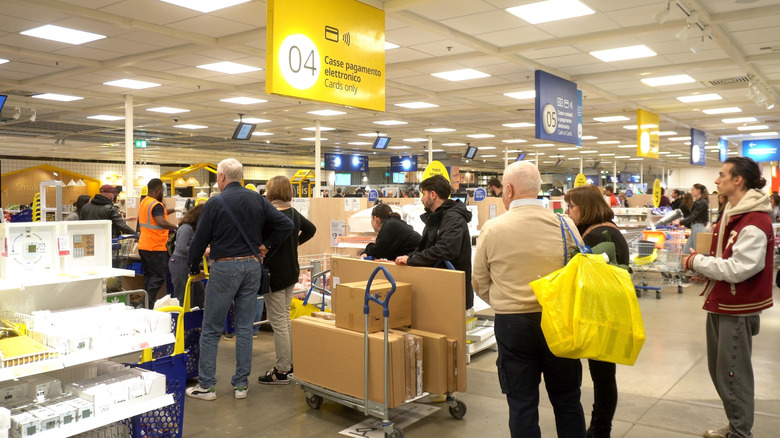
Like most brick-and-mortar retailers, IKEA is swarming with shoppers on the weekends — Saturday afternoons could quite possibly be the worst. When you're trying to navigate the aisles with hundreds of other shoppers, you'll likely spend a lot more time in the store. If you get caught up in the showroom, more items might catch your eye that you would otherwise breeze right past, which could also cause you to spend more. Or, you might find yourself grabbing more items while you're waiting in line at the checkout.
Shopping during slower times lets you get in and out quickly. That way, you can focus on just what you need without getting stopped to pick up extras you didn't plan on buying. If your schedule allows, shop on weekday mornings, especially mid-week. Weekday evenings are also typically slower times to visit IKEA. You may also want to avoid major shopping times, like back-to-school or holiday periods.
Shop during IKEA's major sales events and smaller local events

IKEA offers sales throughout the year, but it helps to know the best time to shop the sales at IKEA. That's because the retailer is known to have special sales every year around the same time. For example, it usually has at least three kitchen sales per year in early spring, summer, and late fall. Then, there's the winter sale, which runs from roughly mid-December to mid-January. You'll likely find deals during common sales times, like President's Day (and other long weekends), back-to-school time, and Black Friday. Local IKEA warehouses may also offer special options. For example, the Merriam, KS, store offers As-is Wednesdays with an extra 30% off those items for Family members.
If you don't have an urgent purchase to make, hold off until one of the major sales hits. It's helpful to think about what you want to buy and when it might be on sale. For example, if you want to update your home office, waiting until back-to-school time could result in big savings on a new desk or office accessories. It's always a good idea to check the website or app to find out about upcoming sales and events at your local IKEA.
Bring your own bags so you don't have to pay for them

IKEA doesn't provide single-use shopping bags for its shoppers — it's part of their commitment to the planet. That means you'll have to buy your own bags if you end up buying a lot of items. You can get the popular FRAKTA bag for under a dollar, so it might not seem like much, but it can add up over time if you always forget your bags. You might also be swayed to buy something cuter and more expensive, like the MÄVINN bag for $11.99. And when you're on a tight budget, every dollar counts. Of course, more than 30 years later, the FRAKTA shopping bag is the $0.99 IKEA item that's still a must-have, so you might not mind shelling out the money to stock up.
But if you'd rather keep more of your money, always check for your reusable bags before an IKEA trip. Keeping them in the car means you're always ready, whether you're shopping at IKEA or another store without free bags. And you aren't required to use IKEA bags in the store — grab whatever reusable options you have already to carry out your goods as cheaply as possible.
Take advantage of special discounts
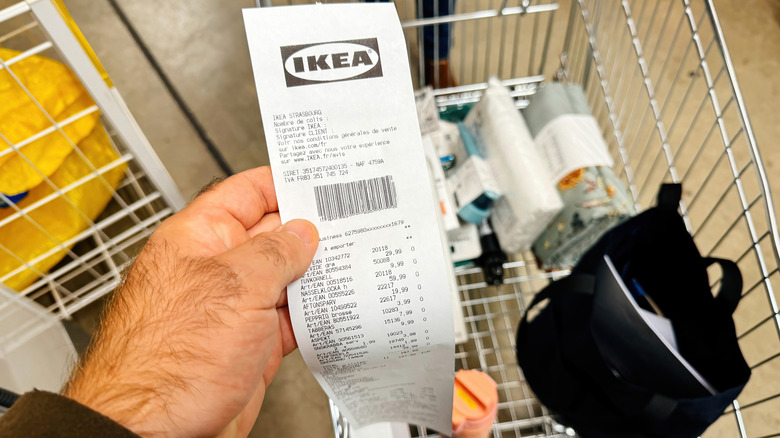
Certain events or periods in your life could qualify you for extra discounts from IKEA. The retailer may offer discounts at certain times of the year, such as a one-time discount code for college students in the summer during back-to-school shopping. Business owners can also score special discounts, services, and perks through the IKEA Business Network. You may be able to get a coupon when you move to a new home, and opening an IKEA credit card could land you an offer for $25 off your first purchase.
For these special discounts, you can assume that you'll need to have an IKEA Family account. There could be other steps to complete, as well. For example, to get the student discount, you'll need to verify your status as a college student. Taking advantage of the IKEA Business Network perks requires setting up a free account under that program. So set up your accounts, and check the requirements for different promotions before you try to use them. That gives you the chance to troubleshoot any issues ahead of time.
Use shortcuts to skip to sections
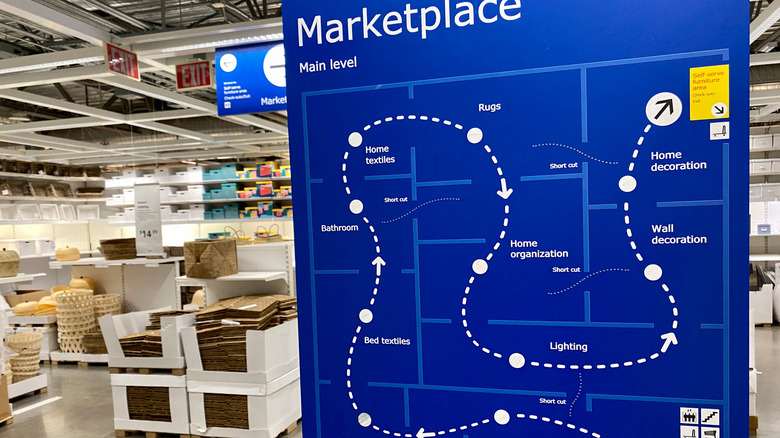
The IKEA experience can be confusing, especially if you're not a seasoned shopper. The showroom weaves and winds, and it often feels like the only way out is to keep going through all of those bends and turns. But there are shortcuts worked into the system — and following them doesn't require going through any backroom areas or breaking any rules.
In fact, the IKEA maps posted in the stores show the short cuts. Of course, the main, long path is printed boldly on the map, while the short cuts are much smaller. But they're still shown, so you can plan the most efficient route. Maybe you have interest in lighting or home textiles. Look at the map, and note where the short cuts are in those areas. If you have the IKEA app, you can also use it for navigation assistance and finding short cuts within the store. Following the shorter routes will reduce your showroom time and could help you skip right past strategically placed temptations.
Enter through the exit to avoid the showroom

The showroom in IKEA is perhaps the most dangerous section for your wallet. It's where the experts have set up those displays meant to entice you into buying more. And it's where you spend a long time wandering aimlessly, potentially stumbling upon products you've never seen before but now must have. So why not skip it completely?
If you know what you want, go into the store through the exit where the cash registers are located. And before you ask, yes: while IKEA would of course love for you to go through the showroom, you are allowed to skip it. That usually puts you right at the as-is section, so you can snag those deals first. Then, you'll typically find the self-serve area just beyond that, so you can pick up all of your flat-pack items there. And if you need to, you can head into the Markethall area for the smaller items, like kitchen utensils. You'll face fewer temptations and cut down your time in the store significantly.
Use Click & Collect to stay out of the store
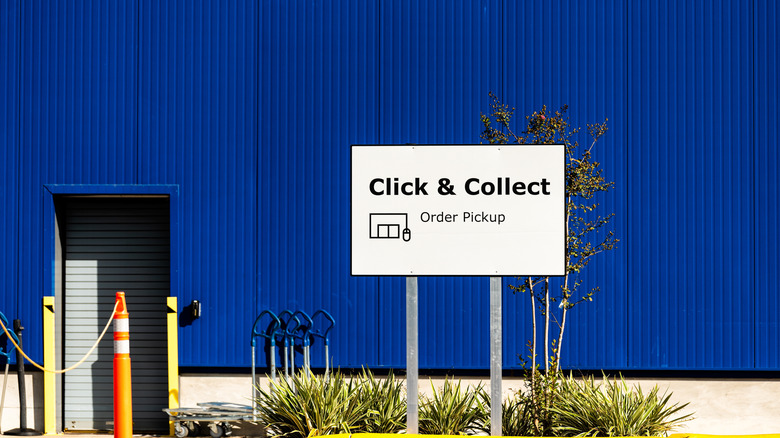
Click & Collect is IKEA's version of in-store pickup. You do your shopping from home, but the employees collect the items for you. This keeps you out of the showroom and the self-serve areas, where you could buy extras. The program is free if you're an IKEA Family member. If you're not, only two locations (Las Vegas, NV, and Merriam, KS) charge for the service. It's just $2 per order, which is likely much cheaper than splurging on items you could stumble upon in stores.
When you're shopping on the IKEA website, find the products you want to pick up, and verify that they're available for Click & Collect at your desired location. If they are, add them to your bag. In your virtual shopping cart, you have the option to choose Click & Collect or Delivery. When you proceed to the checkout page, you can change the pickup location, date, and time range. A quick stop at the pickup area, and you'll be on your way with only the products you want.
Take photos of the tags to go directly to the correct self-serve area
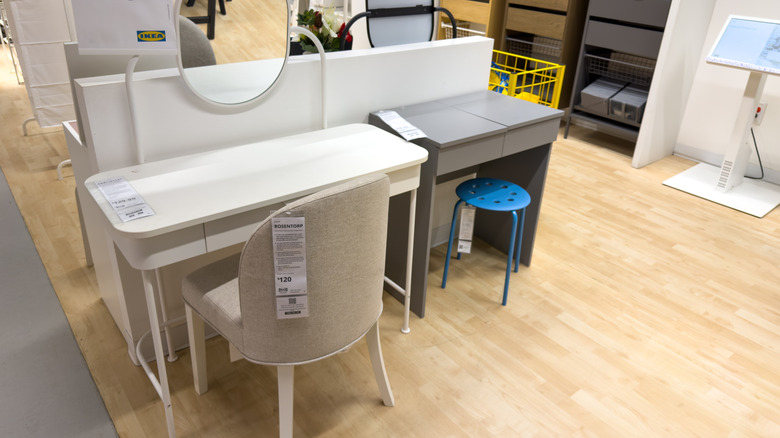
One of the mistakes everyone makes when shopping at IKEA is forgetting to record the information about the products in the showroom that they want to buy. The actual items that you bring home aren't in the showroom — you'll grab those items either in the Markethall or self-serve area. But if you don't have the location information, you could end up walking around the self-serve area searching for what you need. That could lead to bagging items that you weren't planning to buy.
If you want to walk through the showroom, taking a photo of the tag is the easiest way to track the information. The tag includes the location information for where you can pick up the product. Once you walk into the self-serve area, you can go directly to those collection zones and avoid wandering all of the aisles. Or, you can scan the items in your app as you're wandering the showroom to add it to your list.
Pre-shop online and make a list of the sections you want to visit
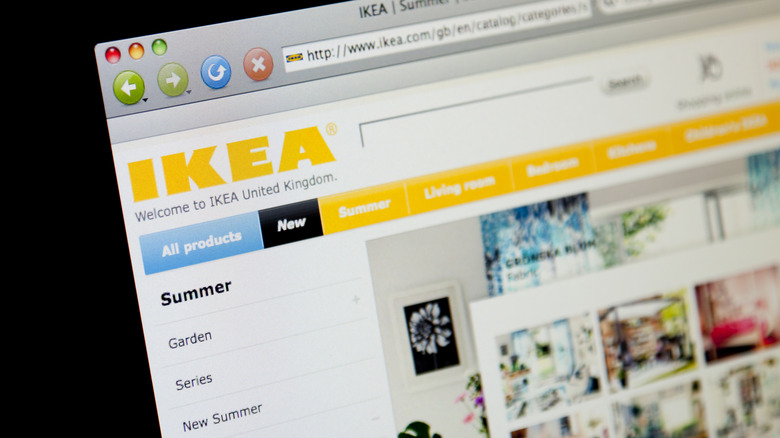
Even if you want to make your purchases in person, it can be cost-effective to start on the IKEA website or app. With both options, you can check the product availability in your local store, along with options for pick up. This can also help you figure out how to spot the IKEA products that aren't worth buying because you have time to research them before you shop. And since you've done your research ahead of time, you won't have to stand in the store for longer making a decision. Design and planning tools on the website can also help you plan your shopping trip.
But perhaps most helpful is the ability to make shopping lists within your IKEA account. That way, you can stick to only the things you need and spend less time searching the store, which can lead to unintended purchases. When you find an item you want to buy, click the small heart-shaped icon on the right side of the page. From your account on the website, you can print your list to have a physical copy of it at the store. Or if you prefer a digital option, use the IKEA app. When you select the store location and click on a product, it tells you where to find the item, along with the article number.
Shop online and get free shipping with rewards
Shopping IKEA online can be a huge money saver because you're not tempted to make impulse buys. Plus, you see your total increasing as you add items to your virtual cart — it's easier to remove items from that cart if you go over budget than it is to say no at the in-store checkout. If you've looked at buying IKEA products online in the past, you might have changed your mind when you saw the shipping fees. The good news is that shipping costs are becoming more reasonable, especially if you're part of IKEA Family.
Small order shipping, which is a package of smaller items weighing no more than 50 pounds, is free for members on orders of $50 or more, and costs just $5 on orders under $50. Standard delivery for larger items starts at $19 and increases based on the specific delivery option you choose. But even better, you can use the reward points that you earn through the Family program to get discounted shipping. For example, 350 points earns you $10 off any delivery, 700 points discounts shipping by $20, and 1,750 points is worth a $50 delivery discount.
Check on Amazon for IKEA products without going to the store
Another option to stay out of the stores is to buy select IKEA products on Amazon and have them shipped to your home using Amazon Prime. That way you're not tempted to throw in the extras like you would at the store. The thing you need to know about this option, though, is that you're not buying from IKEA — it doesn't sell its products through third-party vendors. That doesn't mean the products are fake, but you are buying from a reseller.
If you buy IKEA products on Amazon, compare prices to make sure you're not paying significantly more than buying them directly from the Swedish retailer. Since the Amazon options are from resellers, they can charge any price they want. When comparing the price, factor in the shipping you would pay with IKEA if you don't live close enough to a warehouse to shop in person. Amazon Prime members get free shipping on qualifying purchases, so your total could be less even if the Amazon option is priced slightly higher.